Understanding the Statutory Declaration Process in Ontario
A statutory declaration is a formal legal document that serves as a written statement of facts, which the declarant swears or affirms to be true. In Ontario, these documents are frequently required for various administrative, legal, and government purposes, ranging from name changes and common-law status declarations to immigration forms and financial attestations. Because a statutory declaration carries the same legal weight as an oath taken in court, it must be signed in the presence of an authorized official—typically a commissioner for taking affidavits or a notary public.
Historically, this required finding a local office, scheduling an appointment, and traveling to meet a professional in person. However, thanks to advancements in technology and updates to provincial regulations, you can now commission a statutory declaration online in Ontario. This guide explores how this process works, why it is a convenient alternative to traditional methods, and what you need to know to ensure your document is legally compliant.
What is Remote Commissioning?
It is important to clarify the terminology used in the legal industry. While many people search for an "online notary," the service provided for statutory declarations in Ontario is legally referred to as "remote commissioning." Under Ontario Regulation 431/20, made under the Commissioners for Taking Affidavits Act, authorized professionals are permitted to administer oaths, affirmations, and statutory declarations over secure audio-visual technology.
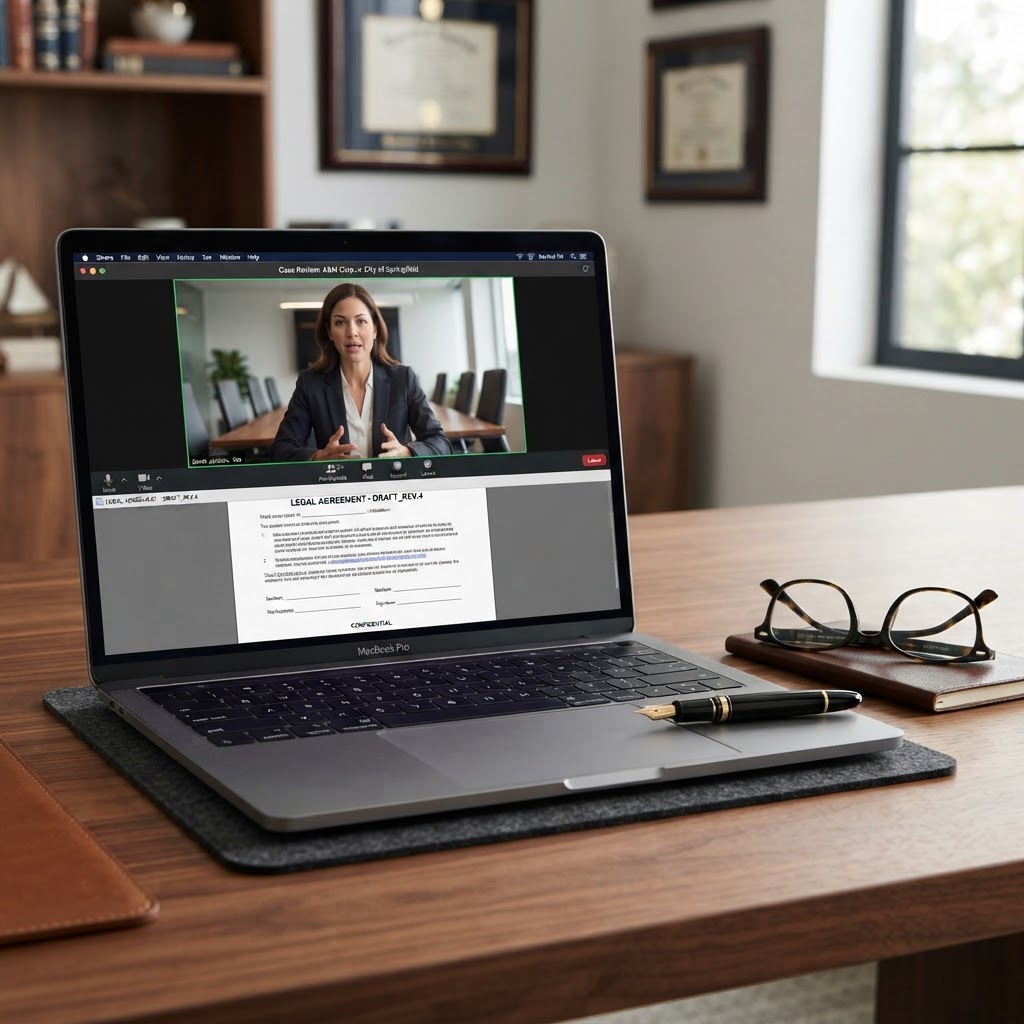
When you choose to commission a statutory declaration online, you are meeting with a commissioner via a live, two-way video call. The commissioner verifies your identity, witnesses you signing the document, and then applies their seal or stamp electronically. This process is fully recognized under Ontario law, provided that the commissioner follows the specific protocols set out in the regulation.
Why Choose Online Commissioning?
There are several compelling reasons why residents across Ontario are shifting toward online services for their legal documentation needs:
1. Unmatched Convenience
Whether you are in a busy urban center like Toronto or a remote area of Northern Ontario, you can access professional services without leaving your home or office. This eliminates the need for travel, parking, and waiting in reception areas.
2. Time Efficiency
Traditional in-person appointments can take hours when you factor in travel time. In contrast, an online session typically takes between 5 to 15 minutes. Once the session is complete, you often receive your commissioned document digitally, allowing you to submit it to the requesting organization immediately.
3. Accessibility
For individuals with mobility issues, busy work schedules, or those living in regions with limited access to legal professionals, online commissioning provides a vital bridge to necessary legal services. It ensures that your administrative tasks do not fall behind simply because you cannot visit an office during standard business hours.
Preparing for Your Online Appointment
To ensure your session goes smoothly, preparation is key. Before you book your appointment, ensure you have the following items ready:
A Valid Government-Issued Photo ID
The commissioner must verify your identity before they can witness your signature. Acceptable forms of ID typically include a valid Ontario driver’s license, a Canadian passport, or a permanent resident card. Ensure your ID is not expired and that the name on the ID matches the name on the document.
A Digital Copy of Your Document
Have your statutory declaration ready in a clear, legible PDF or Word format. If you are using a template provided by a government agency, ensure it is the most current version. If you are drafting your own, ensure all fields are filled out correctly before the meeting begins.
A Reliable Device and Connection
You will need a device equipped with a camera and microphone, such as a laptop, tablet, or smartphone. A stable, high-speed internet connection is essential to prevent interruptions during the video call. Choose a quiet, well-lit space where you can sign the document without distraction.
The Step-by-Step Process
- Book Your Session: Visit a reputable online service provider and select a time that works for you. Many services offer flexible hours, including evenings and weekends.
- Upload Your Document: Most platforms will ask you to upload your document in advance so the commissioner can review it for completeness.
- Join the Video Call: At your scheduled time, you will join a secure video link. The commissioner will introduce themselves and explain the process.
- Identity Verification: You will be asked to present your government-issued photo ID to the camera so the commissioner can verify your identity.
- The Declaration: You will be asked to swear or affirm that the contents of your document are true. You will then sign the document electronically while the commissioner watches via the video feed.
- Finalization: Once signed, the commissioner will apply their electronic seal. You will then receive the finalized, commissioned document via email or a secure download link.
Important Limitations to Keep in Mind
While remote commissioning is a powerful tool, it is not a universal solution for every legal document. It is crucial to understand the boundaries:
- Notarial Acts vs. Commissioning: Some documents require a formal "notarial act," such as a certified true copy of a physical original document (like a diploma or birth certificate). These generally require an in-person visit because the professional must physically inspect the original document.
- Destination Requirements: If your document is intended for use outside of Ontario or Canada, check with the receiving organization first. Some foreign jurisdictions may have specific requirements regarding how a document must be signed and sealed, and they may not accept documents commissioned via video.
- Wet-Ink Requirements: Certain legal documents, such as some types of Wills or Powers of Attorney, may still require a physical "wet-ink" signature in the presence of a witness, depending on the specific legal context.
Frequently Asked Questions
Is it legal to commission a statutory declaration online in Ontario?
Yes. Under Ontario Regulation 431/20, remote commissioning of statutory declarations and affidavits is fully legal and recognized, provided the process is conducted by an authorized commissioner using secure audio-visual technology.
Do I need to print my document before the meeting?
In most cases, no. Modern online commissioning platforms allow for electronic signing. However, you should always check with your specific service provider to see if they require a digital signature or if you need to print, sign, and scan the document during the call.
How do I know if my document will be accepted?
While most government agencies and institutions in Ontario accept remotely commissioned documents, it is always your responsibility to confirm with the recipient. If you are submitting the document to a court or a specific government department, check their website or contact them directly to ensure they accept electronic commissioning.
What if I don't have a printer or scanner?
One of the primary benefits of online commissioning is that it is designed to be paperless. As long as you have a digital copy of your document and a device to sign it electronically, you do not need a printer or scanner.
Book Your Online Session Today
Don't let the hassle of finding a local office delay your important legal matters. Whether you are preparing a statutory declaration for immigration, a name change, or a financial application, our team is here to help you complete the process quickly and securely from the comfort of your home.
Book your online commissioning appointment today and experience the modern, efficient way to handle your legal documentation in Ontario.