Preparing for Your Online Commissioning Appointment in Ontario
In the modern digital landscape, the ability to commission an affidavit online has transformed how Ontarians handle legal paperwork. Whether you are dealing with a statutory declaration for a government application, an affidavit for a court proceeding, or a simple solemn declaration, the convenience of remote commissioning is undeniable. However, because the process relies on strict legal standards to ensure the integrity of your oath, preparation is key.
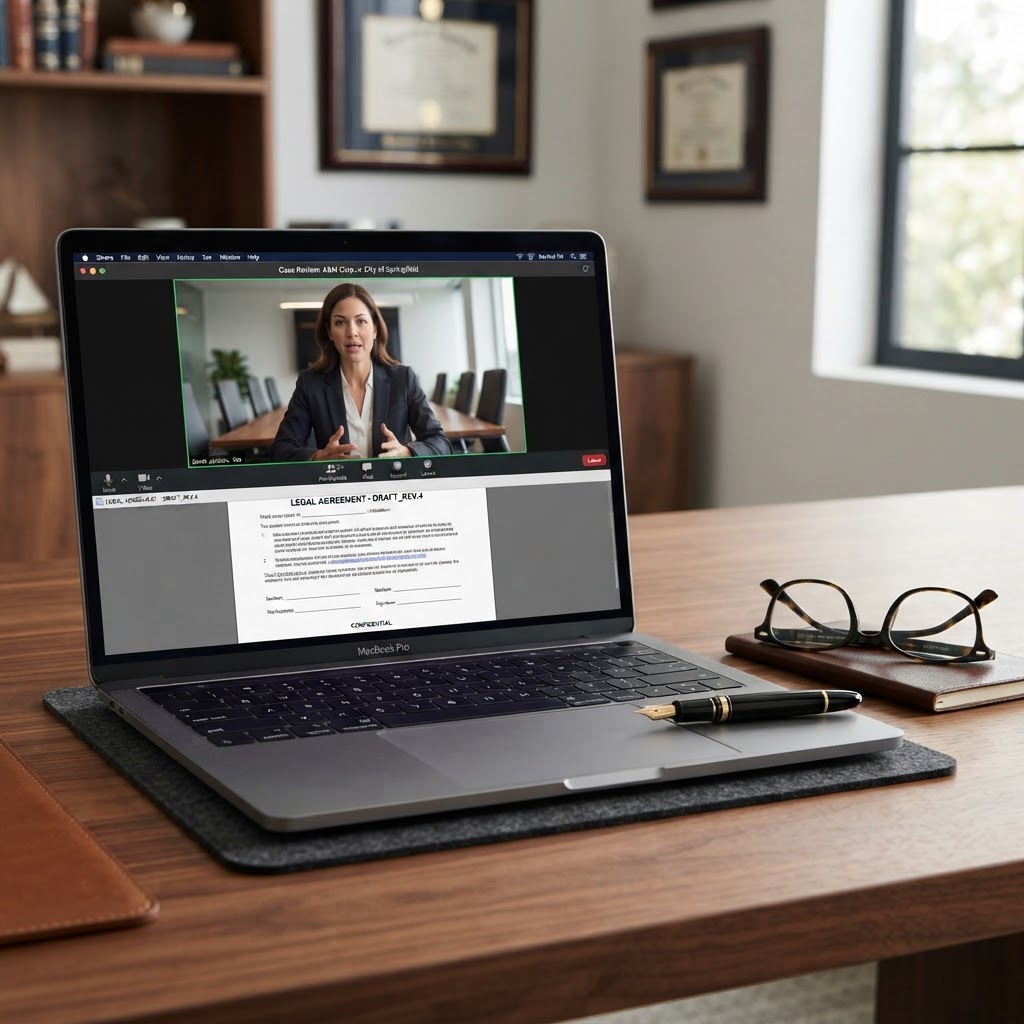
Many individuals search for an "online notary" or "online notarization" service, but in Ontario, it is crucial to understand that you are typically engaging in "remote commissioning." This process allows a Commissioner for Taking Affidavits to witness your signature and administer an oath via live video conferencing. To ensure your session goes smoothly and your document is accepted by the receiving party, follow this comprehensive guide to preparing for your appointment.
Understanding the Legal Framework
Before you book your session, it is important to clarify what can and cannot be done. Under Ontario’s Commissioners for Taking Affidavits Act and O. Reg. 431/20, remote commissioning is legally permitted for affidavits and statutory declarations. This means that while you may see services advertised as an "online notary public," the actual service provided is the commissioning of your document via audio-visual technology.
Because the commissioner is not physically present with you, they must take extra steps to verify your identity and ensure you are signing the document of your own free will. Being prepared means having your documentation and technology ready to meet these regulatory requirements, which prevents delays and ensures your document holds up under legal scrutiny.
Step 1: Document Readiness and Review
The most common reason for a failed or delayed commissioning session is an incomplete or incorrectly drafted document. Before you even schedule your appointment, ensure your document is fully prepared.
Check for Completeness
Ensure all fields in your affidavit or statutory declaration are filled out. If there are blank spaces that do not apply to you, mark them as "N/A" or draw a line through them. A commissioner cannot commission a document that contains significant gaps, as this could lead to the document being rejected by the court or government agency.
Do Not Sign in Advance
This is the most critical rule: Do not sign your document before your appointment. The core of the commissioning process is the act of swearing or affirming the truth of the document in the presence of the commissioner. If you sign beforehand, the commissioner may be unable to verify that you are the person signing the document, and they may be forced to ask you to print a fresh, unsigned copy.
Review for Clarity
Read your document carefully. Are the facts stated clearly? Are there any contradictions? If you are unsure about the language used in your document, consult with a legal professional before your appointment. A commissioner is there to witness your signature and administer the oath, not to provide legal advice or draft the document for you.
Step 2: Technical Requirements for Remote Commissioning
Since the entire process takes place over a video call, your technology setup is just as important as your paperwork.
Reliable Internet Connection
Ensure you have a stable, high-speed internet connection. A dropped call during the middle of the oath can be frustrating and may require you to restart the entire process. Test your connection in the room where you plan to conduct the session to ensure there are no "dead zones."
Audio and Video Quality
The commissioner must be able to see you clearly and hear you distinctly. Use a device with a high-quality camera and microphone. If you are using a laptop, ensure it is plugged into a power source so it does not die during the session. Avoid using public Wi-Fi networks, as these can be insecure and may not provide the bandwidth necessary for a smooth video call.
Private Environment
Choose a quiet, private space where you will not be interrupted. The commissioner needs to ensure that you are not being coerced or influenced by anyone else in the room. If someone else is present, the commissioner may ask them to leave or may refuse to proceed with the session.
Step 3: Identity Verification
Identity verification is the cornerstone of remote commissioning. You will be required to present valid, government-issued photo identification to the camera.
Acceptable Forms of ID
Typically, you will need one piece of primary government-issued photo ID, such as:
- A valid Ontario Driver’s License
- A Canadian Passport
- A Permanent Resident Card
- A Citizenship Card
Ensure your ID is not expired. The commissioner will need to see the front and back of the card clearly. If your ID is damaged or the photo is unclear, have a backup piece of identification ready just in case.
Step 4: During the Appointment
When the session begins, the commissioner will guide you through the process. They will verify your identity, confirm that you understand the contents of the document, and ask you to swear or affirm that the information provided is true.
Be prepared to answer questions about the document. The commissioner is legally obligated to ensure you are signing voluntarily and that you understand the gravity of the oath you are taking. Answer clearly and honestly. Once the oath is administered, you will sign the document on camera, and the commissioner will then apply their seal or stamp to the document electronically.
Frequently Asked Questions (FAQ)
Can I use an online notary for a Power of Attorney or Will?
Generally, no. In Ontario, documents like Wills and Powers of Attorney often require physical presence and specific witnessing requirements that cannot be met through remote commissioning. Always check with the institution receiving the document to see if they accept remotely commissioned documents.
What happens if my document is rejected?
If your document is rejected, it is often due to a technicality, such as an missing signature or an incorrect jurat. By ensuring your document is prepared correctly and that you follow the commissioner's instructions during the call, you can minimize the risk of rejection. Always keep a digital copy of the commissioned document for your records.
Do I need to print the document?
This depends on the service provider. Some platforms allow for digital signing, while others require you to print the document, sign it on camera, and then scan it back to the commissioner. Confirm the specific requirements with your chosen service provider before your appointment.
Is remote commissioning as legally valid as in-person?
Yes. Provided that the session follows the requirements set out in O. Reg. 431/20, a document commissioned remotely has the same legal weight and validity as one commissioned in person.
Book Your Session Today
Preparing for your online commissioning appointment doesn't have to be stressful. By ensuring your documents are ready, your technology is set, and your identification is on hand, you can complete your legal requirements quickly and efficiently from the comfort of your home.
Ready to get started? Book your online session with The Online Notary today and experience a seamless, professional, and secure way to commission your documents in Ontario.