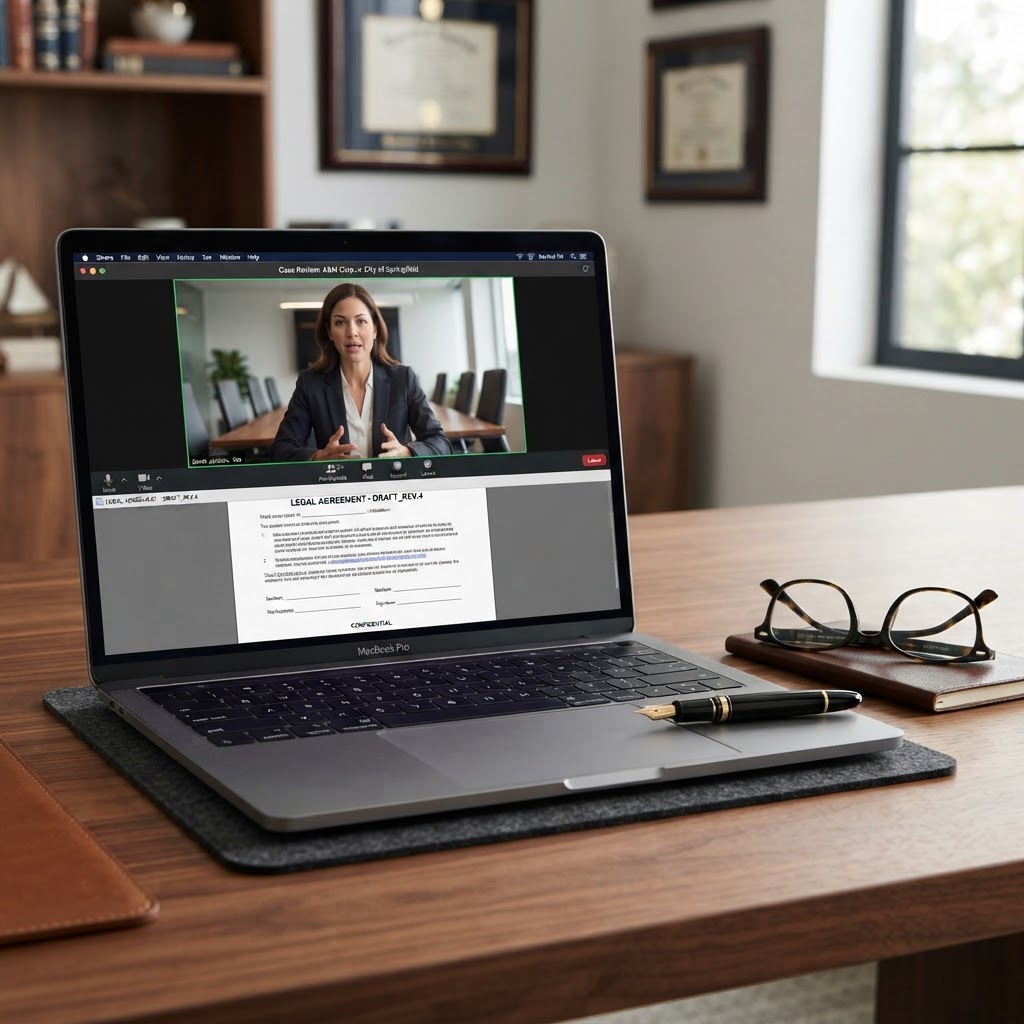
Navigating the complexities of Canadian immigration often involves a mountain of paperwork, and one of the most critical documents for families is the IMM 5604 form, also known as the Declaration from Non-Accompanying Parent/Guardian for Minors Immigrating to Canada. If you are a parent in Ontario—or a parent abroad whose child is immigrating to Canada with the other parent—you may be wondering how to get this document legally authorized without the hassle of finding a physical office. Fortunately, the evolution of legal services in the province now allows you to use an online notary or, more accurately, a remote commissioning service to complete this requirement from the comfort of your home.
In Ontario, the process of swearing an oath or making a solemn declaration has been modernized. Under the Commissioners for Taking Affidavits Act and its associated regulations, specifically O. Reg. 431/20, it is now entirely legal to commission an affidavit online or complete a statutory declaration via video conference. This guide will walk you through everything you need to know about the IMM 5604 form and how to use online commissioning to satisfy Immigration, Refugees and Citizenship Canada (IRCC) requirements.
Understanding the IMM 5604 Form
The IMM 5604 form is a legal declaration required by the Canadian government when a minor child (under the age of 18) is immigrating to Canada with only one parent or a legal guardian. The purpose of this form is to ensure that the parent who is not accompanying the child to Canada has given their full, informed consent for the child to live in Canada permanently.
This is a safeguard against international parental child abduction and ensures that the rights of both parents are respected during the immigration process. Because this document involves the permanent relocation of a minor, the IRCC requires the signature of the non-accompanying parent to be witnessed by a qualified official. In Ontario, this official is typically a Commissioner for Taking Affidavits or a Notary Public. While many people search for a "notary public online," the specific act being performed for the IMM 5604 is the administration of a solemn declaration, which falls under the umbrella of online commissioning.
The Legal Validity of Online Commissioning in Ontario
For many years, the law required that the person making a declaration and the official witnessing it be in each other's physical presence. However, on August 1, 2020, the Ontario government enacted O. Reg. 431/20: Administering Oath or Declaration Remotely, which permanently changed the legal landscape. This regulation allows for remote commissioning, provided that the session occurs via live video technology where the commissioner and the deponent can see, hear, and communicate with each other in real-time.
When you choose to commission an affidavit online or complete your IMM 5604 through a virtual session, the legal weight of the document is identical to one signed in person. As noted by the Law Society of Ontario, remote commissioning uses virtual meeting platforms to authenticate the individual and collect signatures, ensuring that all professional standards are met even without physical proximity.
Why Choose an Online Notary for Your IMM 5604?
The traditional method of getting a document commissioned involves taking time off work, commuting to a legal office, and often waiting in line. For the IMM 5604, the stakes are even higher because the non-accompanying parent may not even be in the same city or country as the parent who is handling the immigration application.
Using an online commissioning service offers several distinct advantages:
- Accessibility: You can connect with an Ontario commissioner from anywhere in the world, provided the document is intended for use in a Canadian legal context (like an IRCC application).
- Speed: Most online sessions, such as those offered by The Online Notary, take less than 10 minutes to complete.
- Digital Integration: Since most immigration applications are now submitted through the IRCC online portal, having a digitally commissioned PDF is much more convenient than scanning a physical paper document.
- Safety and Security: Modern platforms use encrypted video and secure identity verification tools to ensure the process is more secure than traditional methods.
Step-by-Step Guide to Commissioning IMM 5604 Online
If you are ready to proceed with your IMM 5604, follow these steps to ensure a smooth online notarization experience.
1. Prepare the Document
Download the most recent version of the IMM 5604 from the official IRCC website. Fill out all the required fields, including the child’s information and the non-accompanying parent’s details. Crucially, do not sign the document yet. The law requires the commissioner to actually witness you signing the document during the live video session.
2. Book Your Online Commissioning Appointment
Visit a trusted provider like The Online Notary and select a time that works for you. You will typically need to upload a copy of your unsigned document and a scan of your government-issued photo ID (such as a passport or driver’s license) before the meeting.
3. Verify Your Identity
At the start of the video call, the commissioner will verify your identity. You will be asked to hold your physical ID up to the camera so the commissioner can compare it to your face and the digital copy provided. This is a mandatory step under Ontario's remote commissioning regulations.
4. The Solemn Declaration
The commissioner will ask you to confirm that you are the person named in the document and that the information contained within the IMM 5604 is true. You will then sign the document electronically. The commissioner will then apply their digital signature and official seal, along with a mandatory "remote commissioning jurat"—a statement indicating that the document was commissioned virtually in accordance with Ontario law.
5. Receive Your Completed Form
Once the session is finished, you will receive the fully commissioned IMM 5604 via email. This digital PDF is ready to be uploaded directly to your IRCC immigration profile.
Technical and Legal Requirements for the Session
To ensure your session is successful and the resulting document is legally binding, you must meet certain criteria. First, you must have a stable internet connection and a device with a working camera and microphone. The commissioner must be able to see you clearly to confirm you are signing the document without duress.
Second, you must be able to provide valid, unexpired photo identification. The Commissioners for Taking Affidavits Act requires the official to be satisfied with the identity of the deponent. If your ID is expired or blurry, the session cannot proceed.
Finally, while you can be located outside of Ontario during the call, the commissioner must be physically located in Ontario at the time of the commissioning. This is why using an Ontario-based service is essential for documents intended for Canadian federal or provincial authorities.
Common Mistakes to Avoid with IMM 5604
Errors on the IMM 5604 can lead to significant delays in your immigration application. Here are the most common pitfalls to avoid:
- Signing in Advance: If you sign the form before the video call, the commissioner cannot legally witness your signature. You will have to print a fresh copy and start over.
- Incorrect Information: Ensure the child’s name matches their passport exactly. Any discrepancy can cause the IRCC to reject the form.
- Using an Outdated Form: IRCC frequently updates its forms. Always download the latest version from the official government website to ensure compliance.
- Poor Video Quality: If the commissioner cannot clearly see your ID or your face, they are professionally obligated to terminate the session to prevent fraud.
Does the IRCC Accept Digitally Commissioned Documents?
Yes. The IRCC has moved toward a "digital-first" approach for many of its application streams. According to industry experts and legal resources, electronically signed and commissioned documents are widely accepted by federal agencies, including the IRCC and Service Ontario. The key is ensuring that the commissioner has included the proper remote commissioning statement (jurat) required by O. Reg. 431/20, which informs the receiving party that the document was signed via video link.
Frequently Asked Questions
Can I use an online notary if I am currently outside of Canada?
Yes. As long as the document is for use in Canada and you are connecting with a commissioner authorized in Ontario, you can complete the process from anywhere in the world. This is particularly helpful for the IMM 5604, as the non-accompanying parent is often still in their home country.
Does the parent moving to Canada need to be on the call?
No. Only the person who is actually signing the declaration (the non-accompanying parent) needs to be present during the online commissioning session. The parent already in Canada or the one moving with the child does not need to participate in the call unless they are also a required signer on a different document.
How long is the commissioned IMM 5604 valid?
Generally, the IRCC prefers documents to be recent (usually within six months of the application submission). However, the IMM 5604 specifically relates to the consent for a child to immigrate, so it remains valid for the duration of that specific application unless the parent revokes their consent.
Is an online commissioner the same as a notary public?
In Ontario, all Notaries Public are also Commissioners for Taking Affidavits. While "notarization" often refers to certifying true copies of physical documents (which must be done in person), "commissioning" refers to witnessing signatures on declarations and affidavits. For the IMM 5604, an online commissioner provides exactly what is required for the IRCC.
Book Your Online Commissioning Session Today
Don't let paperwork slow down your family's journey to Canada. Getting your IMM 5604 commissioned should be the easiest part of your immigration process. At The Online Notary, we specialize in helping Ontario residents and their families worldwide complete their legal requirements quickly, securely, and affordably.
Our expert commissioners are well-versed in IRCC requirements and the nuances of remote commissioning. Whether you need to commission an affidavit online or complete a statutory declaration, we are here to help. Book your 10-minute online session today and take the next step toward your new life in Canada.